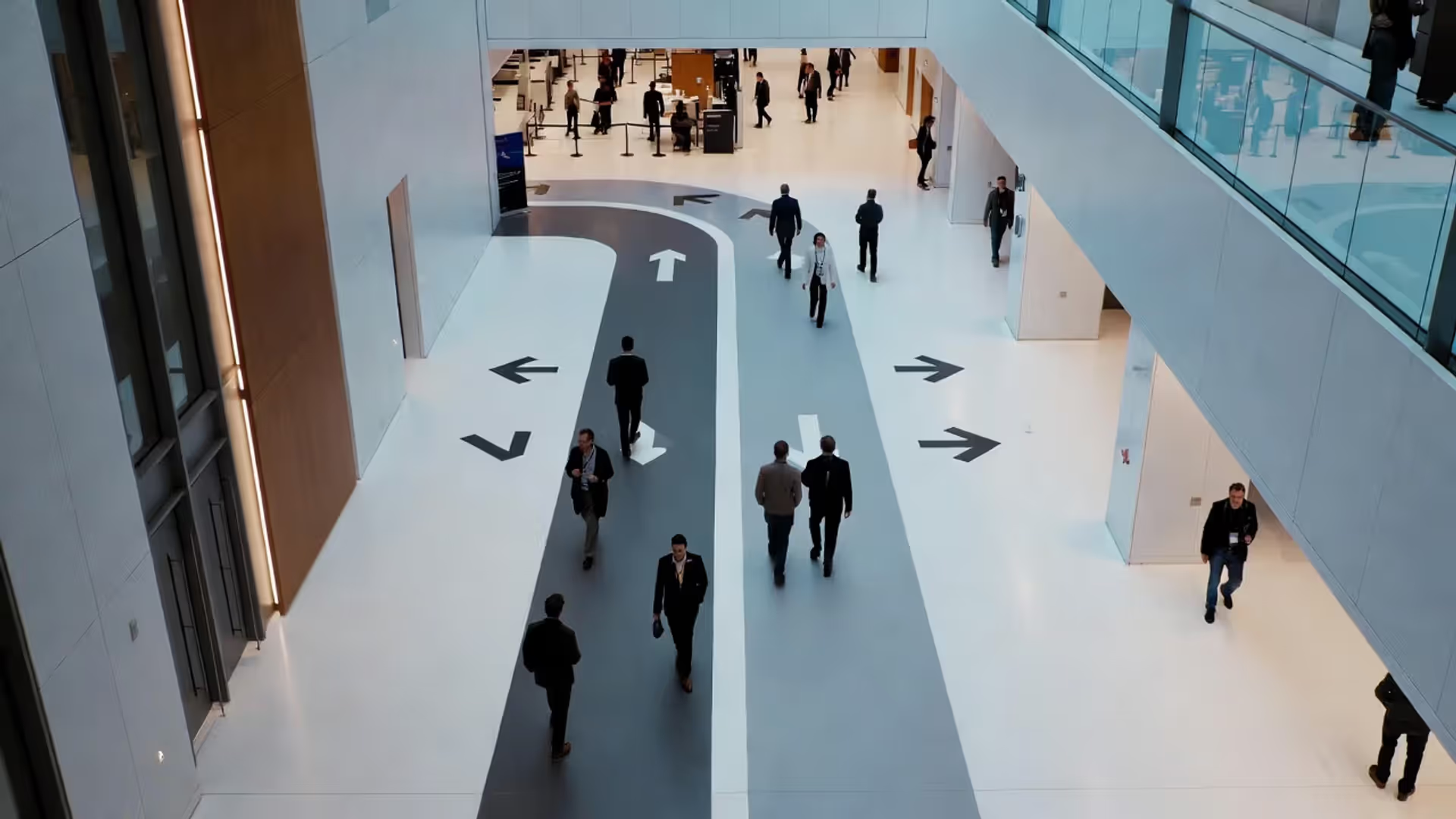

Your event app can act like a networking assistant.
Event Apps for Networking

Content
Conference organizers face a persistent challenge: attendees walk past each other for three days without meeting the one person who could change their business. Traditional badge scanners and business-card exchanges miss the mark because they rely on chance encounters. Event apps solve this by turning smartphones into intelligent networking assistants that surface relevant connections before, during, and after live gatherings.
Seventy-two percent of event professionals report that mobile apps with integrated matchmaking features delivered measurable ROI in 2024, primarily through increased attendee satisfaction scores and sponsor engagement metrics, notes Sarah Chen, Senior Analyst at EventTech Insights, in her annual industry benchmark report.
These platforms have evolved far beyond digital schedules. Modern solutions combine AI-driven recommendations, real-time messaging, and structured networking sessions to create intentional connections that justify travel budgets and registration fees.
What Are Event Apps and Why Do Organizers Use Them?
Event apps are mobile software platforms—native iOS/Android apps or progressive web apps—that serve as the central hub for attendee interaction before, during, and after conferences, trade shows, festivals, and corporate gatherings. They replace printed programs while adding interactive layers: attendees build profiles, browse speaker bios, bookmark sessions, chat with peers, and receive location-specific push notifications.
Adoption has accelerated sharply. A 2024 survey of 1,400 event planners found that 68% deployed a dedicated mobile app for events with more than 300 attendees, up from 41% in 2021. The shift stems from three factors: attendees expect mobile-first experiences, organizers need data to prove event value, and sponsors demand measurable engagement beyond booth traffic.
The core value proposition differs by stakeholder. Attendees gain personalized agendas and serendipitous introductions. Organizers collect behavioral data—which sessions filled up, which exhibitors attracted crowds, how many messages were exchanged. Sponsors access lead-capture tools that record booth visits and content downloads without manual badge scanning.
Most platforms operate on a per-event licensing model, though some vendors offer annual subscriptions for organizations running multiple gatherings. Setup typically requires four to eight weeks for custom branding, content import, and integration with registration systems.
7 Must-Have Features in Modern Event Apps
Not all event apps deliver equal value. The difference between a glorified PDF schedule and a true engagement platform comes down to specific capabilities that drive measurable behavior change.
Matchmaking Tools That Connect the Right Attendees
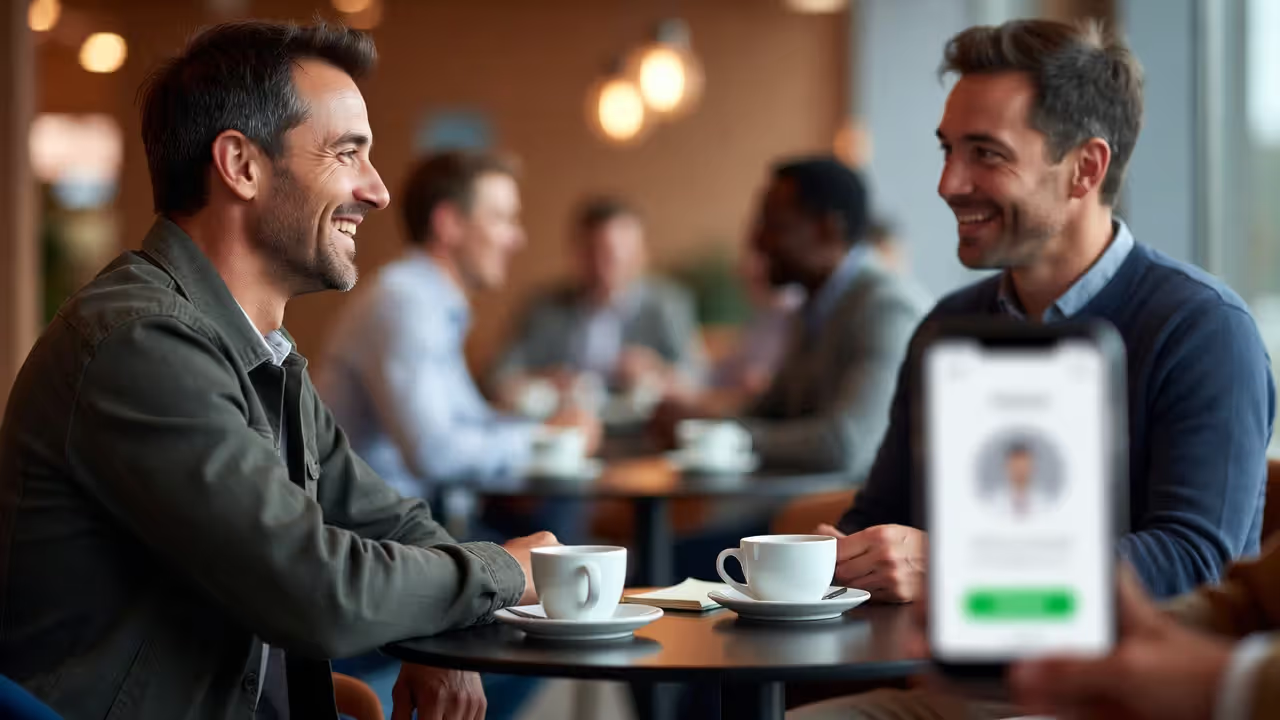
Matchmaking algorithms analyze profile data—job titles, industries, stated interests, goals—to suggest relevant connections. Sophisticated systems layer in behavioral signals: which sessions someone bookmarked, which exhibitor categories they browsed, how they answered pre-event survey questions.
The best implementations let attendees swipe through recommended profiles (similar to consumer dating apps) and request 15-minute meetings that auto-populate both calendars. Less effective versions simply display a searchable directory and hope users take initiative.
Privacy controls matter. Attendees should opt into matchmaking explicitly and control which profile fields are visible. A financial services conference, for instance, might hide company names until both parties accept a connection request, preventing competitors from poaching clients.
Author: Sophie Bennett;
Source: isnvenice.com
Digital Networking Platforms Built Into the App
Beyond one-to-one matchmaking, effective event apps facilitate group networking through topic-based channels, virtual lounges, and structured "office hours" where subject-matter experts hold open Q&A sessions.
Activity feeds—showing who just checked into which session or which attendees are currently at the coffee bar—create ambient awareness that sparks organic conversations. Geo-fencing triggers location-based prompts: "Three people interested in supply-chain automation are near you right now."
Direct messaging must balance accessibility with spam prevention. Requiring mutual opt-in before enabling DMs reduces unwanted solicitation but also creates friction. A middle path: allow one initial message, then require acceptance before further conversation.
Agenda Management and Session Tracking
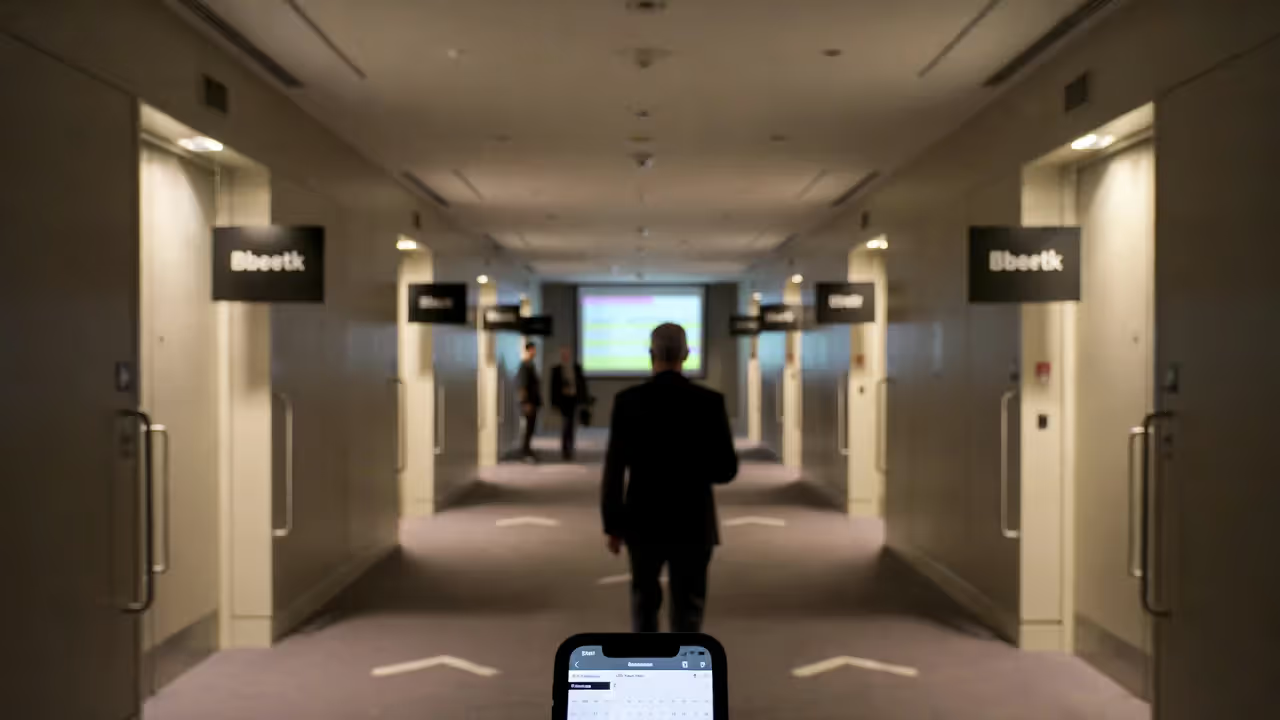
Personal schedule builders let attendees bookmark sessions, set reminders, and view room maps. The app should sync changes in real time—if a speaker cancels or a room changes, every affected agenda updates instantly.
Capacity alerts prevent overcrowding. When a workshop reaches 90% capacity, the app warns latecomers and suggests similar sessions with open seats. Post-session, attendees rate content and speakers, generating feedback loops that inform future programming.
Session check-ins (via QR code or Bluetooth beacon) verify attendance for continuing-education credits and show organizers which topics drew crowds versus which rooms sat half-empty.
Author: Sophie Bennett;
Source: isnvenice.com
Real-Time Polls, Q&A, and Gamification
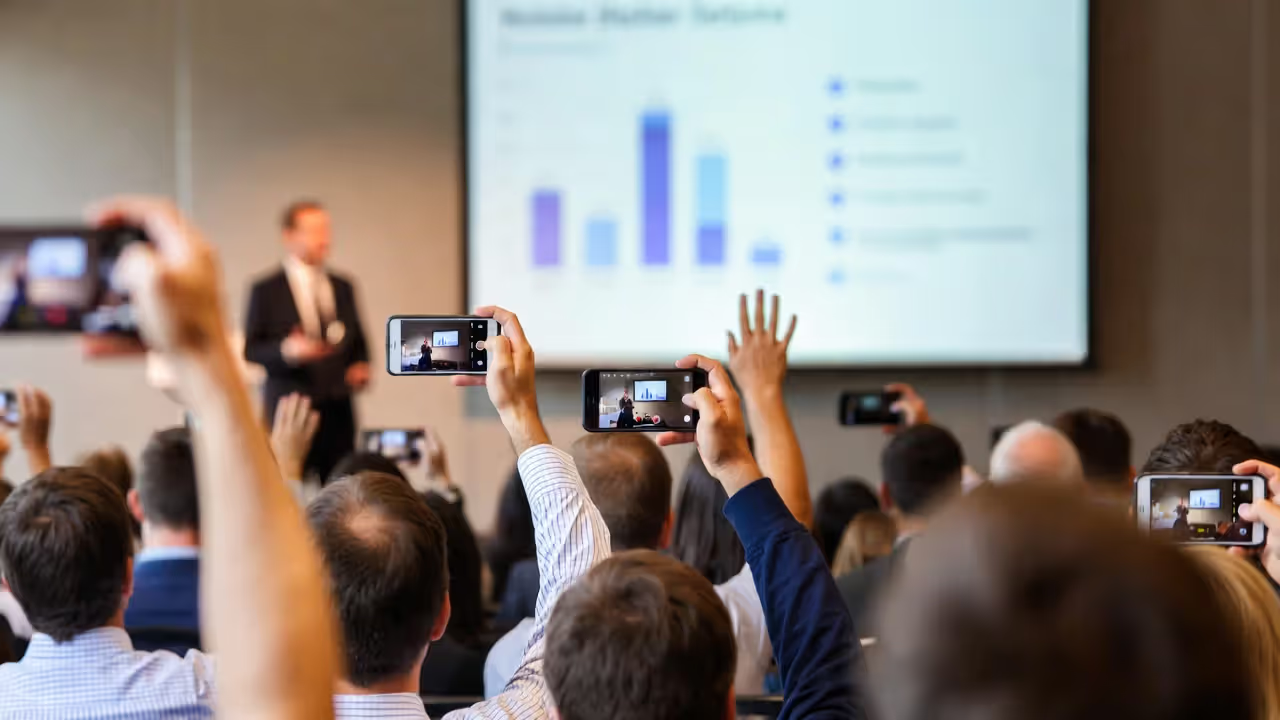
Live polling during keynotes transforms passive audiences into active participants. A speaker asks, "How many of you have implemented AI in your workflow?" and responses appear on-screen within seconds, segmented by attendee role or company size.
Moderated Q&A queues let attendees upvote questions, ensuring the most relevant topics surface rather than whoever reaches the microphone first. Speakers can filter by theme or answer questions asynchronously after their session ends.
Gamification—points for booth visits, session attendance, profile completion, messages sent—drives exploration. Leaderboards and prize drawings reward engagement, though poorly designed systems can feel gimmicky. A medical conference might award CME credits instead of tchotchkes, aligning incentives with professional development.
Foundational features round out the platform: push notifications for schedule changes, interactive venue maps with turn-by-turn navigation, sponsor directories with lead-capture forms, and resource libraries for slide decks and whitepapers. These don't differentiate platforms but their absence creates friction.
Author: Sophie Bennett;
Source: isnvenice.com
How Matchmaking Tools Work Inside Event Apps
Effective matchmaking requires three components: structured data input, recommendation logic, and low-friction interaction design.
Data collection starts during registration. Instead of asking only for name and email, the system prompts attendees to select interests from a taxonomy (e.g., "artificial intelligence," "regulatory compliance," "vendor evaluation"), describe their role, and state their goals ("looking to hire," "seeking partnerships," "learning best practices"). Progressive profiling spreads questions across multiple touchpoints to avoid survey fatigue.
Recommendation algorithms vary in sophistication. Basic systems use tag matching: if two people both selected "cybersecurity," they appear in each other's suggested connections. Intermediate approaches apply collaborative filtering—"people with your profile also connected with these attendees." Advanced platforms employ machine learning models trained on past event data, predicting connection quality based on which introductions led to sustained post-event communication.
Some vendors incorporate natural language processing to analyze free-text profile bios and session abstracts, identifying semantic similarities beyond keyword overlap. A product manager seeking "user onboarding strategies" might match with a designer whose bio mentions "activation flows," even if neither used the other's exact terms.
Interaction design determines adoption. Passive lists of suggested contacts yield minimal engagement; attendees feel awkward cold-messaging strangers. Better patterns include structured meeting requests ("I'd like to discuss vendor selection criteria—are you available Tuesday at 2 PM?"), icebreaker prompts ("You both attended the keynote on digital transformation—what was your key takeaway?"), and time-boxed networking sessions where the app pairs attendees for 10-minute video or in-person chats, then rotates partners.
Privacy safeguards must be transparent. Attendees should see why they were matched ("You both work in healthcare and marked 'HIPAA compliance' as an interest") and control their visibility (going "offline" for matchmaking while still accessing the agenda). European events require explicit GDPR consent; U.S. events increasingly adopt similar opt-in standards to build trust.
Comparing Top Event App Platforms: Features and Pricing
| Platform Name | Matchmaking Capability | Networking Features | Starting Price | Best For |
| Swapcard | AI-powered recommendations, meeting scheduler, virtual speed networking | 1:1 chat, topic channels, video calls, exhibitor meetings | $3,000/event | Multi-day conferences prioritizing attendee connections |
| Whova | Interest-based matching, attendee directory with filters | Community board, direct messaging, virtual tables | $2,500/event | Associations and academic conferences needing affordable full-featured apps |
| Brella | LinkedIn-style profile matching, automated meeting scheduling | Meeting tables, 1:1 video, group discussions | $4,000/event | B2B events where qualified meetings drive ROI |
| Attendify | Manual search directory, basic profile tags | Activity feed, polls, photo sharing | $1,800/event | Smaller corporate events and internal gatherings |
| Grip | Deep learning match scores, meeting marketplace | Smart recommendations, meeting analytics, CRM integrations | Custom pricing (typically $5,000+) | Enterprise conferences requiring advanced analytics |
Pricing typically scales with attendee count, feature activation, and customization depth. A 500-person event might pay $3,000 base plus $2 per attendee for matchmaking add-ons. White-label branding, custom integrations with Salesforce or HubSpot, and dedicated onboarding support add 20–40% to base costs.
Free tiers exist—Whova and Attendify offer limited-feature versions for events under 100 attendees—but lack the AI-driven networking tools that justify app adoption for larger gatherings.
Great events don’t happen because people show up — they happen because people participate, connect, and carry the experience forward after it ends
— David Adler, Founder of BizBash Media
Common Mistakes When Choosing or Deploying an Event App
Author: Sophie Bennett;
Source: isnvenice.com
Overcomplicating the user experience. Organizers excited by feature lists enable every module—gamification, social walls, live translation, AR scavenger hunts—creating a cluttered interface that overwhelms first-time users. A 2023 usability study found that apps with more than seven top-level navigation items saw 34% lower engagement than streamlined alternatives. Prioritize three core workflows: view agenda, connect with people, access resources.
Ignoring pre-event engagement. Many organizers launch the app the morning the conference opens, missing the prime window for matchmaking. Attendees who explore profiles and schedule meetings two weeks in advance arrive with purpose. Send the app download link immediately after registration confirmation, then drip educational emails highlighting one feature per message: "Browse speakers," "Find your peers," "Book 1:1 meetings."
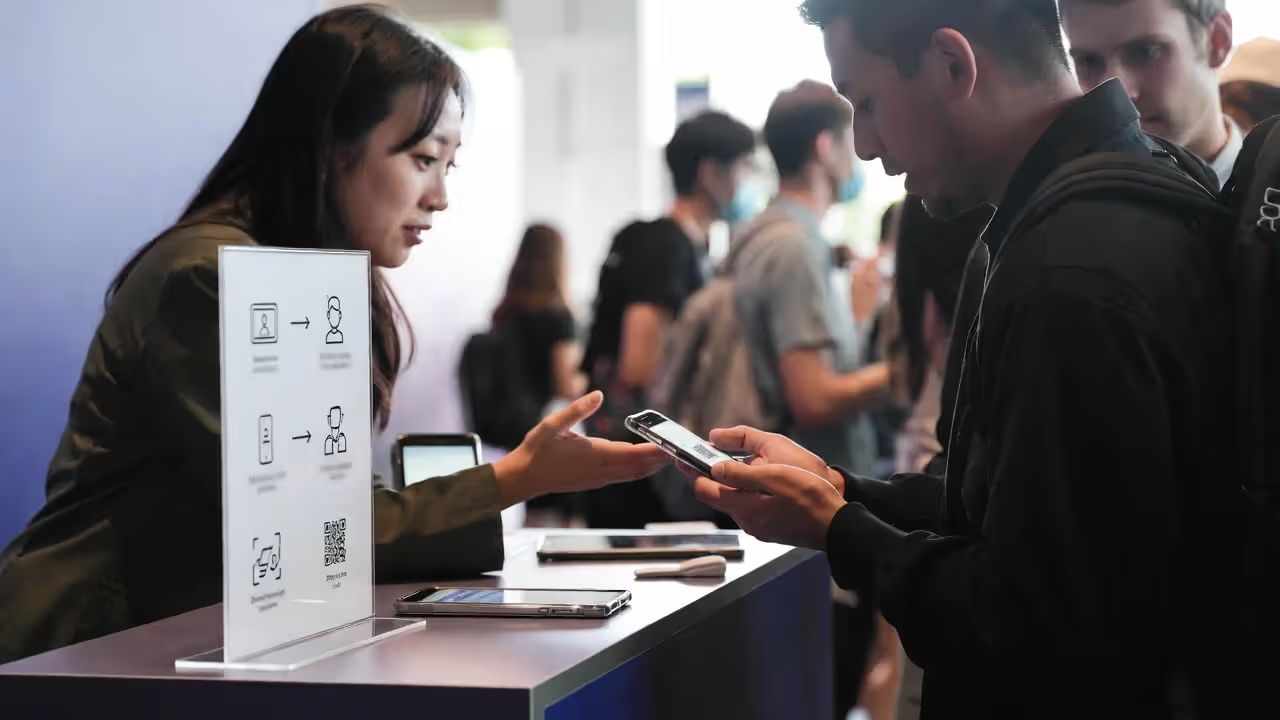
Neglecting onboarding. Assuming attendees will intuitively understand matchmaking features leads to underutilization. On-site activation stations—staffed tables near registration where volunteers help attendees complete profiles and send their first connection request—boost adoption by 40–60%. In-app tooltips and a two-minute tutorial video reduce friction for remote participants.
Poor vendor support during the event. Technical glitches happen. A vendor that provides only email support leaves organizers stranded when push notifications fail at 8 AM on day one. Demand a dedicated Slack channel or phone hotline with guaranteed response times under 30 minutes during event hours.
Failing to communicate value to attendees. Generic emails saying "Download our app!" don't motivate action. Specific prompts work better: "Meet the three people most likely to solve your biggest challenge—our matchmaking tool analyzes your profile and suggests relevant connections. Set up your first meeting in under two minutes." Quantify outcomes from past events: "Last year, 64% of attendees who used matchmaking scheduled at least one business meeting that led to a partnership or sale."
Choosing platforms that lock in your data. Some vendors restrict data exports or charge hefty fees to extract attendee interaction logs, connection graphs, and survey responses. Before signing, verify that you can export CSV files of all attendee activity, message metadata (not content, for privacy), and engagement metrics without additional cost. This data fuels post-event follow-up and informs future planning.
Event Tech Trends Shaping the Future of Attendee Apps
Author: Sophie Bennett;
Source: isnvenice.com
AI personalization is moving beyond simple tag matching. Emerging platforms analyze session attendance patterns in real time and adjust recommendations dynamically. If you skip the technical workshops but attend every marketing session, the app recalibrates your profile and suggests different connections than it would have on day one. Natural language chatbots answer attendee questions ("Where is the nearest restroom?" "Who's speaking about sustainability?") without requiring human moderators.
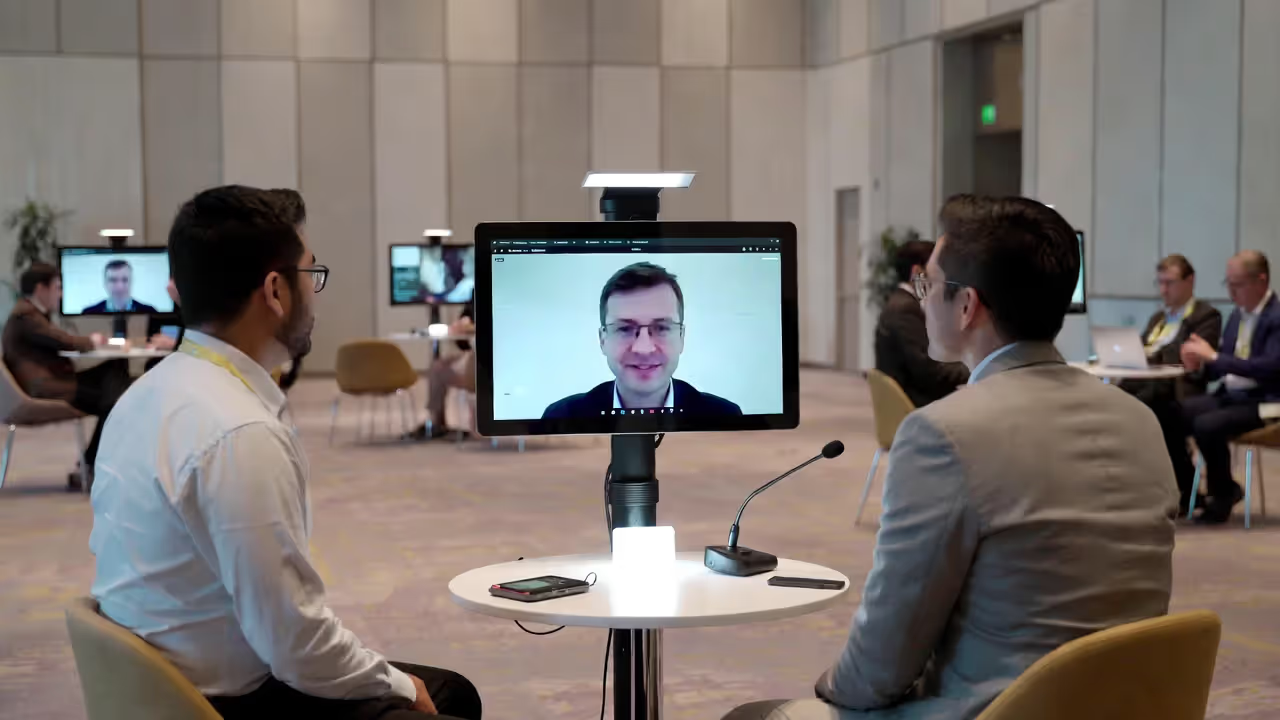
Hybrid event integration treats in-person and virtual attendees as a unified audience. Digital networking platforms now support "hybrid meetings" where a virtual attendee video-calls into a physical meeting table, or an on-site participant joins a virtual breakout room. Spatial audio and virtual reality experiments aim to replicate the serendipity of hallway conversations for remote participants, though adoption remains limited outside tech-forward conferences.
Wallet passes replace standalone apps for smaller events. Apple Wallet and Google Pay integrations deliver session reminders, QR code badges, and basic networking features without requiring a separate download. This reduces friction but sacrifices the deep engagement and data collection that full-featured event apps provide.
Post-event community features extend app utility beyond the three-day conference window. Organizers increasingly leave messaging channels open for 30–90 days, host virtual follow-up sessions, and curate resource libraries that attendees access year-round. This transforms the app from a disposable tool into a persistent community platform, improving renewal rates and sponsor value. Some associations now offer a single app that covers all their annual events, building a continuous member network rather than starting from scratch each time.
Accessibility and inclusion are becoming table stakes rather than nice-to-haves. Modern platforms support screen readers, offer high-contrast modes, provide live captioning integrations, and allow pronoun display on profiles. Matchmaking algorithms are being audited for bias—ensuring that recommendations don't systematically favor certain demographics over others—and organizers are designing networking formats that accommodate introverts and neurodivergent attendees who find unstructured mingling exhausting.
FAQ: Event Apps and Networking Features
Event apps have graduated from nice-to-have digital programs to essential infrastructure for conferences that take networking seriously. The platforms that deliver ROI combine intelligent matchmaking with frictionless interaction design, helping attendees forge connections they wouldn't have made through random hallway encounters.
Success hinges on three factors: choosing a platform whose features align with your event goals, promoting adoption aggressively before and during the event, and designing networking experiences—not just enabling them. An app with powerful matchmaking tools sits unused if attendees don't understand the value or feel awkward initiating contact. Structure reduces friction: scheduled networking blocks, icebreaker prompts, and staff-modeled behavior ("I just used the app to set up a meeting—let me show you how") normalize digital introductions.
The data these platforms generate transforms event planning from intuition-driven to evidence-based. When you know which sessions attracted which demographics, which exhibitors generated the most meaningful conversations, and which attendees became hyper-connectors who introduced dozens of peers, you can optimize future events with precision. Sponsors pay premium rates when you demonstrate that your app delivered 200 qualified booth visits instead of vague foot traffic estimates.
As hybrid formats mature and AI capabilities expand, the gap between commodity event apps and sophisticated attendee engagement platforms will widen. Organizers who treat their mobile app as a strategic asset—not a vendor checkbox—will build communities that persist long after the conference center lights go dark.