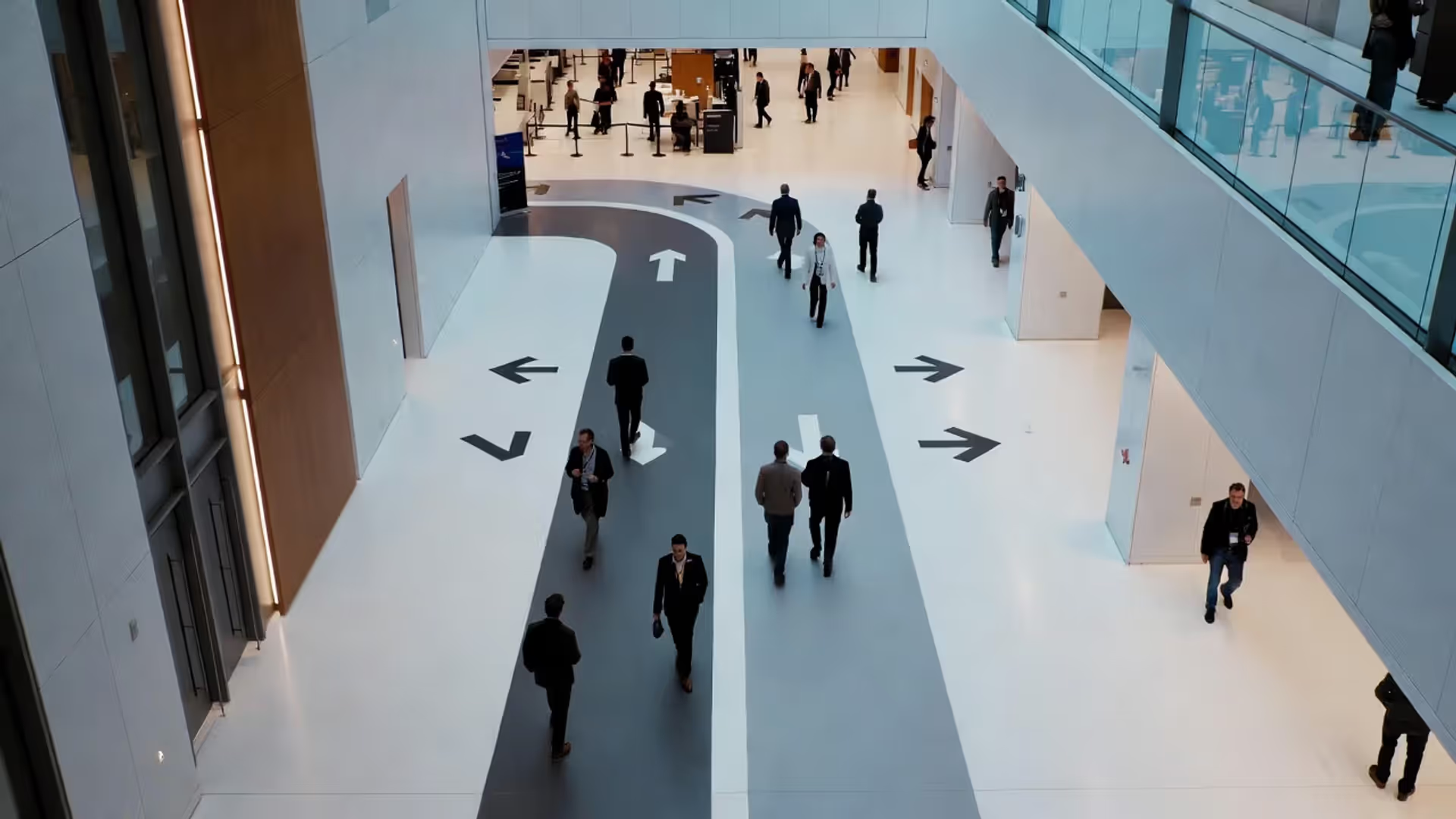
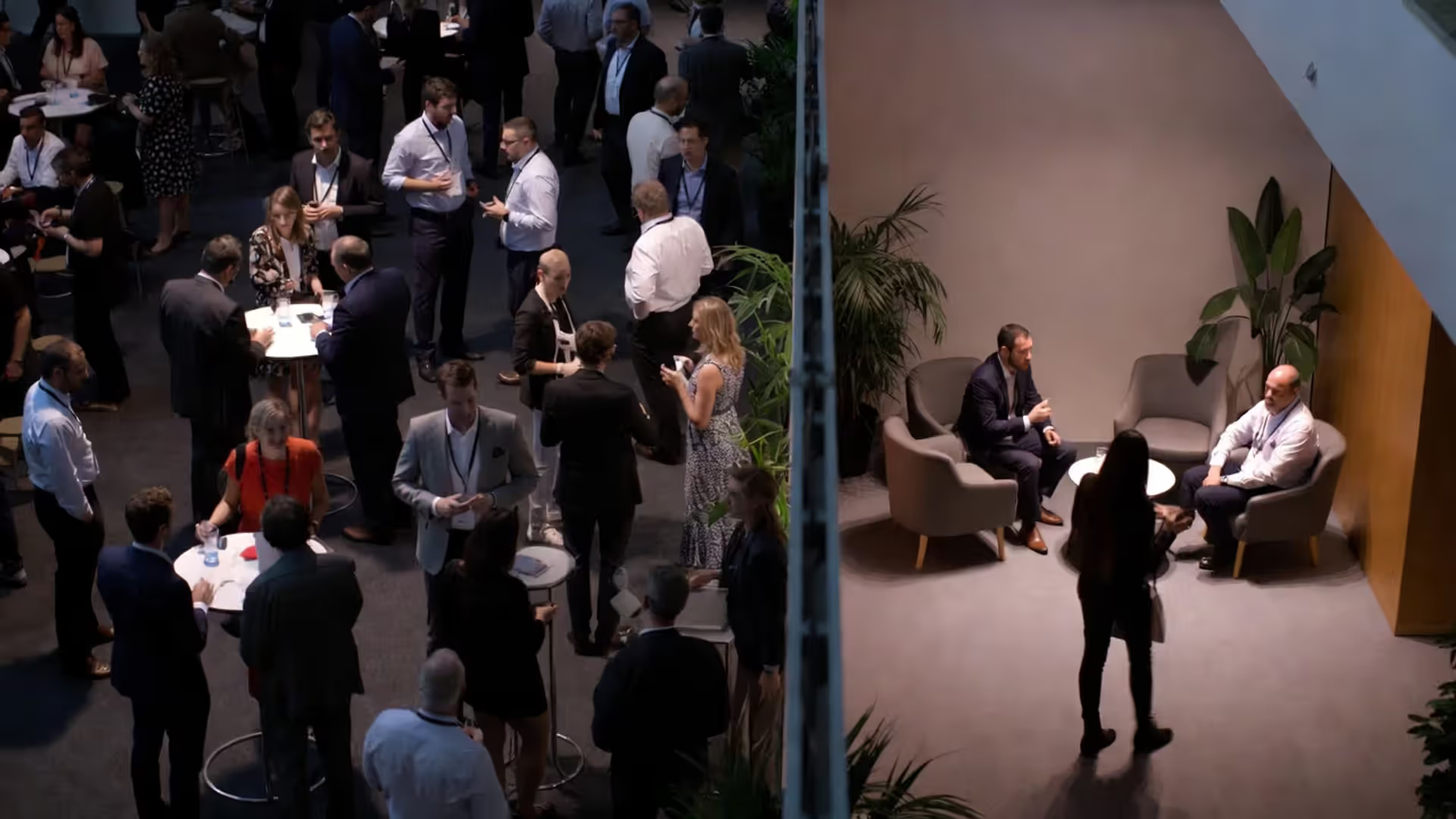
Two zone types—one networking strategy.
Conference Networking Spaces Guide

Content
Attendees remember conferences not just for keynote speeches, but for conversations that sparked partnerships, friendships, or career opportunities. Yet most event planners treat networking as an afterthought—clearing a corner near the coffee station and hoping connections happen organically. The reality? Strategic space design can triple meaningful interactions compared to generic "mingle zones."
Professional networking spaces require the same intentional planning as main sessions. Furniture placement, lighting choices, acoustic treatment, and traffic flow all influence whether attendees linger for substantive conversations or grab their coffee and leave. This guide breaks down proven design strategies, cost considerations, and common pitfalls based on what actually works in modern conference environments.
Why Dedicated Networking Zones Outperform Generic Event Spaces
Generic hallways and empty ballroom corners fail because they lack psychological cues that signal "this is a place to connect." Attendees walk through these areas with destination mindset—moving from Point A to Point B without pausing. Dedicated networking zones create what environmental psychologists call "behavioral anchors": visual and spatial signals that encourage specific actions.
Research from the Event Leadership Institute found that conferences with designated networking zones saw 68% higher attendee satisfaction scores and 40% more reported business connections compared to events relying solely on unstructured mingling time. The difference comes down to intentionality. When you define a space as purpose-built for connection, attendees grant themselves permission to approach strangers.
Space design also addresses the introvert challenge. Not everyone thrives in crowded, high-energy environments. Providing varied networking zones—from bustling social hubs to quiet two-person nooks—gives different personality types permission to network in ways that feel natural. A tech conference in Austin added "conversation alcoves" with two armchairs and saw previously disengaged attendees (about 22% of their audience) suddenly participating in networking activities.
The ROI extends beyond attendee satisfaction. Sponsors pay premium rates for branding in high-traffic networking areas. Exhibitors report better lead quality when positioned near well-designed collaboration spaces rather than isolated in traditional exhibit halls. Event organizers who invest in networking infrastructure typically see 15-25% higher renewal rates for subsequent conferences.
Author: Nathan Brook;
Source: isnvenice.com
5 Essential Types of Networking Zones for Modern Conferences
High-Energy Social Hubs vs. Quiet Conversation Corners
Social hubs work best near registration, main stages, or food stations—anywhere natural traffic concentrates. Design these for 30-50 people with mostly standing room, high cocktail tables (42" height), and bright lighting. The noise level should hover around 70-75 decibels—lively but not overwhelming. Use open sightlines so newcomers can scan the room and identify entry points into conversations.
Quiet corners serve a different function entirely. Place these away from main traffic arteries, ideally with some visual separation (partial walls, plants, or curtains). Capacity should max at 8-12 people. Include comfortable seating at regular table height (30"), softer lighting (aim for 300-500 lux versus 750+ in social hubs), and acoustic panels that drop ambient noise below 60 decibels. A pharmaceutical conference in Philadelphia converted an unused breakout room into a "deep conversation lounge" with six small seating clusters and reported it was occupied 94% of available hours.
The mistake many planners make: creating only one type. Your attendee base includes extroverts who thrive in bustling environments and introverts who need calmer settings. Budget for both or accept that you're only serving half your audience.
Standing Collaboration Spaces for Quick Connections
Standing zones facilitate what networking experts call "the seven-minute conversation"—long enough to exchange ideas and contact information, short enough that neither party feels trapped. These spaces work particularly well for:
- Pre-session meetups where attendees have limited time
- Sponsor activations requiring brief interactions
- Topic-specific discussion zones ("Talk to speakers here")
- Coffee and snack areas where people naturally pause
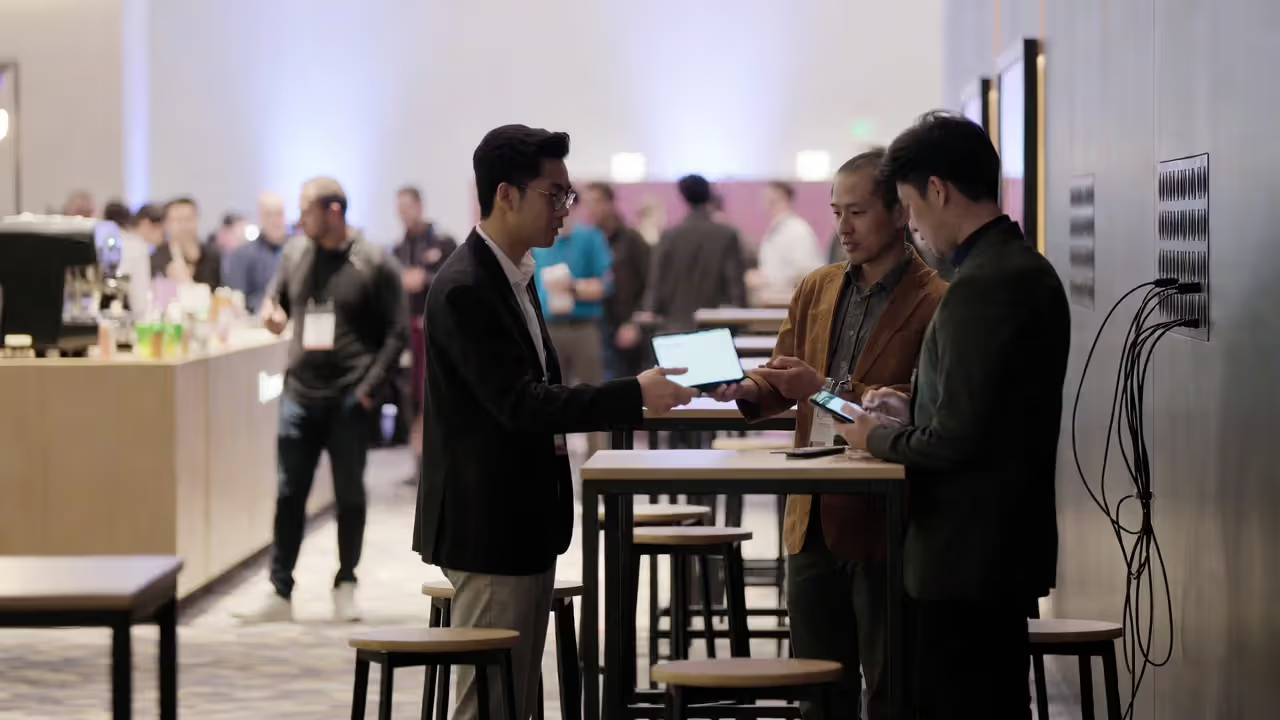
Design standing zones with 10-12 square feet per person to prevent overcrowding. Include a mix of high tables and open floor space. The ideal ratio: one 36" diameter high-top table per 4-6 people, with 40% of the zone kept clear for circulation. Add a few bar-height counters along walls where individuals can comfortably check phones or take notes between conversations.
Technology integration matters here more than in seated areas. Every standing collaboration space should include multiple power strips or charging stations. Nothing kills momentum faster than someone cutting a conversation short because their phone hit 5% battery.
Author: Nathan Brook;
Source: isnvenice.com
Seated Meeting Areas for Extended Discussions
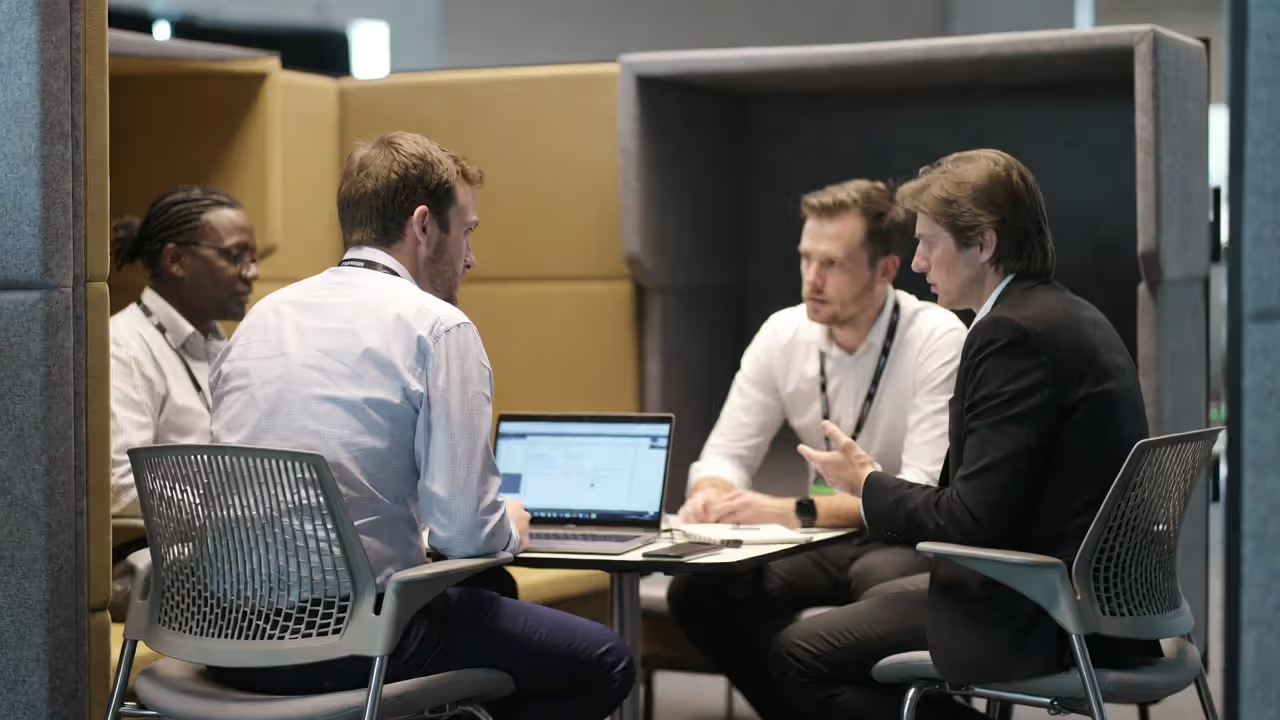
When attendees need 20-45 minutes for substantive conversations—investor pitches, partnership discussions, mentoring sessions—seated meeting areas become essential. These require more space per person (15-20 square feet) and thoughtful furniture selection.
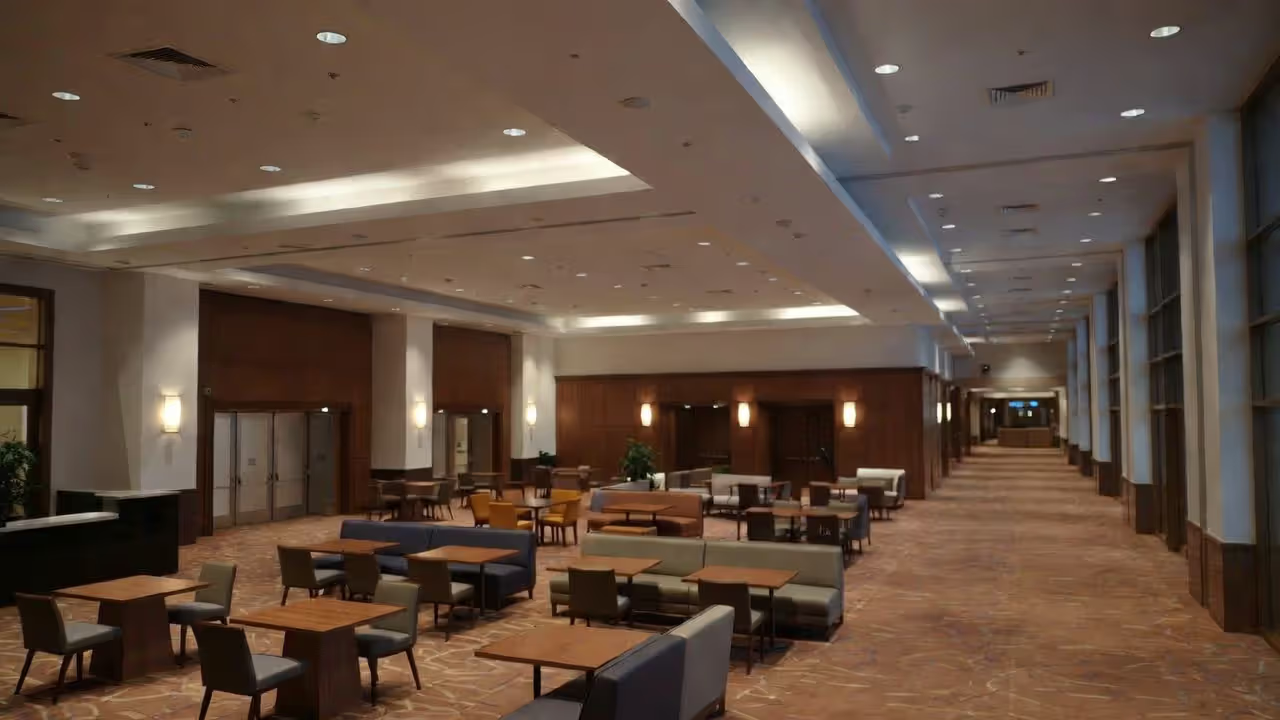
Avoid conference room aesthetics. The goal is comfortable but professional. Lounge furniture (sofas, armchairs) works better than office chairs around tables. Create clusters of 4-6 seats rather than long rows. Position clusters at angles rather than perfect grids to create visual interest and natural pathways.
A financial services conference in Chicago tested three furniture arrangements in their meeting areas:
- Traditional conference tables with office chairs: 62% occupancy
- Café-style tables with cushioned chairs: 78% occupancy
- Lounge furniture clusters with small side tables: 91% occupancy
The lounge setup won because it felt less formal while still supporting laptop work and note-taking. Attendees stayed an average of 12 minutes longer in lounge configurations.
Booking systems help maximize these spaces. Simple tent cards ("Available" / "In Use" / "Reserved") let attendees claim space without formal scheduling. More sophisticated conferences use apps where attendees can reserve meeting areas for 30-minute blocks, preventing the frustration of finding all spaces occupied.
Author: Nathan Brook;
Source: isnvenice.com
Event Seating Layout Strategies That Encourage Interaction
Theater-style seating (rows of chairs facing forward) maximizes capacity but kills networking. Use it only for keynotes where interaction isn't the goal. The moment your session involves discussion, Q&A, or peer learning, theater becomes counterproductive.
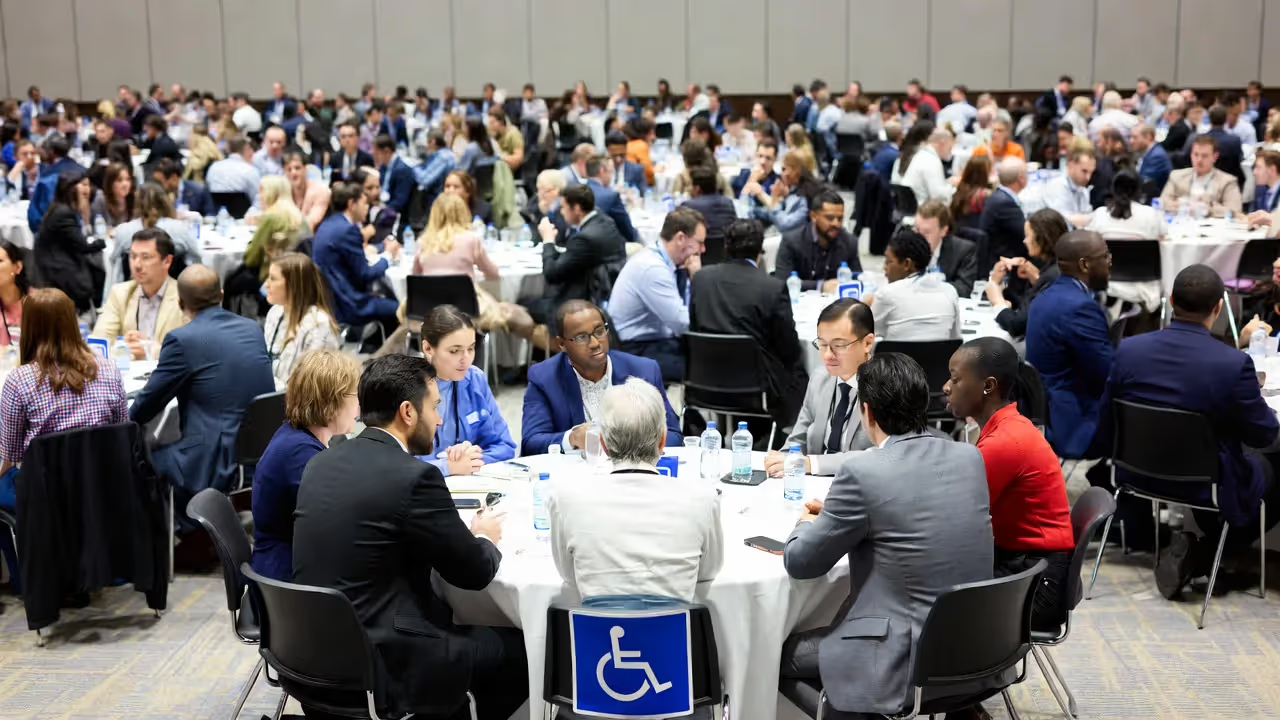
Rounds (60" or 72" diameter tables seating 8-10) remain the gold standard for networking-focused meals and workshops. They create natural conversation groups while maintaining enough distance that side conversations don't disrupt the full table. Space rounds 6-8 feet apart to allow comfortable chair pullback and server access. Calculate 10-12 square feet per person for rounds in a banquet setting.
Hollow square and U-shape configurations work for 20-40 person sessions where everyone needs sight lines to a central presenter but should also see each other. These layouts encourage more democratic participation than classroom-style rows. The trade-off: they consume significantly more space. A hollow square for 30 people requires roughly 900 square feet versus 450 for theater-style seating.
Pod layouts (small clusters of 4-6 chairs, sometimes with small tables) excel for unconferences, breakout discussions, and collaborative workshops. They signal "this is a working session" more clearly than rounds. Pods work especially well when you want fluid movement—attendees might start in one pod, then move to another for a different discussion topic. Allow 8-10 square feet per person in pod configurations.
Author: Nathan Brook;
Source: isnvenice.com
Flow patterns matter as much as furniture arrangement. Create clear 6-foot-wide aisles as primary pathways, with 4-foot secondary aisles for table access. Avoid dead ends where attendees feel trapped. Position high-interest elements (food, charging stations, sponsor booths) in different areas to distribute traffic rather than creating bottlenecks.
ADA compliance isn't optional. Ensure wheelchair-accessible routes throughout, with 36" minimum clear width (48" preferred). In seated areas, remove chairs at 5% of tables to accommodate wheelchairs at table height. Mark accessible seating on floor plans and signage, and train staff to protect these spaces from able-bodied attendees looking for "extra room."
Lounge Design Elements That Keep Attendees Engaged Between Sessions
Furniture selection makes or breaks lounge functionality. Prioritize pieces that balance comfort with appropriate formality. Sofas should be firm enough that standing up doesn't require assistance—save the deep-cushion sectionals for residential spaces. Armchairs work better than sofas for networking because they give each person defined personal space while remaining social.
Side tables are non-negotiable. Every seating position needs a place within arm's reach for drinks, phones, or laptops. A common mistake: beautiful lounge furniture with nowhere to set anything, forcing attendees to juggle items or leave.
Lighting psychology influences how long people stay and how energized they feel. Layered lighting works best: ambient fixtures providing base illumination (400-600 lux), task lighting at work surfaces (750+ lux), and accent lighting creating visual interest. Warm color temperatures (2700-3000K) feel inviting, while cooler temperatures (3500-4500K) increase alertness. Many successful lounges use warm ambient lighting with cooler task lights, giving attendees subconscious energy while maintaining comfort.
Technology integration extends beyond charging stations. Consider:
- Large displays showing conference schedules, social media feeds, or sponsor content
- Wireless presentation capabilities for impromptu demos
- Quality WiFi supporting 3-4 devices per attendee (most people bring phone + laptop + tablet)
- Bluetooth-enabled audio zones where attendees can connect devices
Food and beverage station placement requires strategic thinking. Position stations along edges rather than centers to avoid creating congestion. Use multiple smaller stations instead of one large setup to distribute crowds. Keep stations at least 15 feet from seating clusters so the noise and traffic of service doesn't disrupt conversations.
The branded versus neutral aesthetic debate depends on your goals. Heavy sponsor branding can offset costs but risks feeling like an advertisement rather than a retreat. A middle path: neutral base design with sponsor branding on discrete elements (charging stations, digital displays, napkins) rather than dominating wall graphics and furniture wraps. Save aggressive branding for high-traffic social hubs where attendees expect commercial elements.
We tracked dwell time across twelve major conferences and found attendees spent an average of 4.2 minutes in generic hallway areas versus 18.7 minutes in designed networking zones. That extra fourteen minutes represents the difference between superficial badge-scanning and actual relationship building.
— Sarah Chen, Director of Experience Design at Summit Events Group
Common Mistakes When Planning Conference Meeting Areas
Budget allocation typically skews wrong. Planners spend 70% of their budget on main session spaces and 30% on networking areas, when attendee surveys consistently show networking as a top priority. A better split: 50/50, or even 40% main sessions and 60% networking infrastructure for connection-focused events.
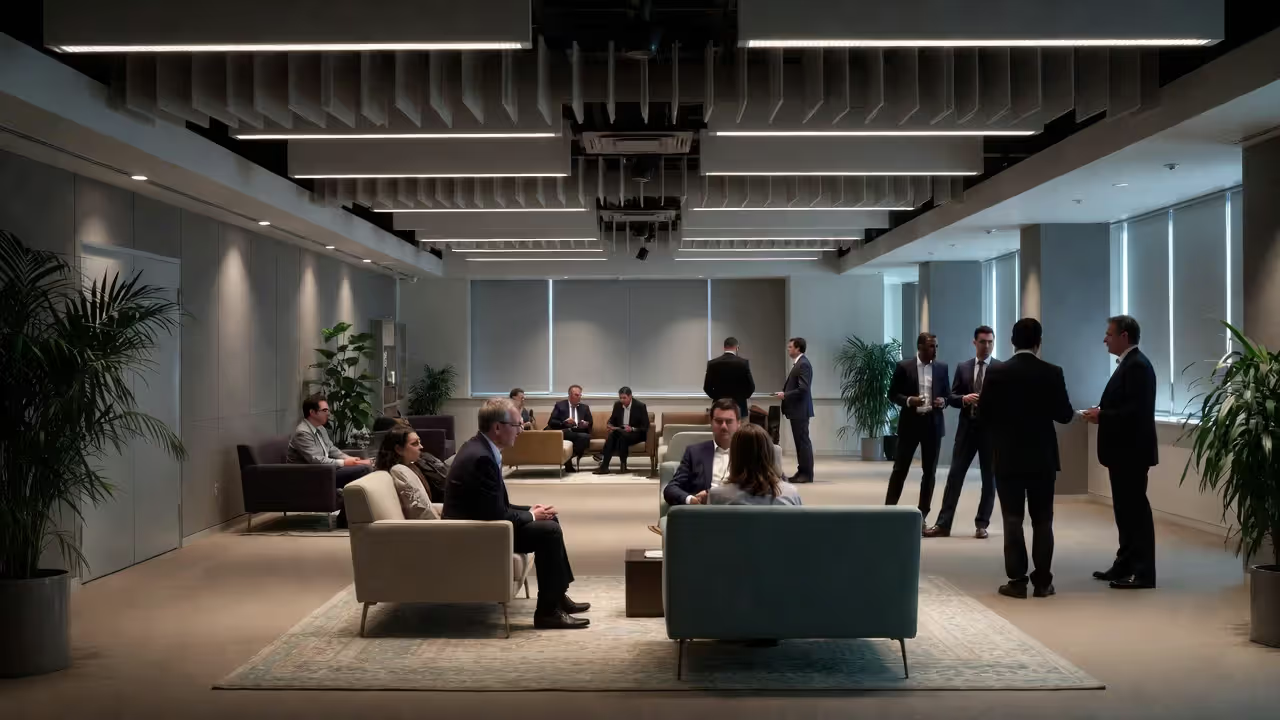
Acoustic treatment gets ignored until the conference starts and everyone's shouting over echo. Hard surfaces (concrete floors, glass walls, high ceilings) create sound bounce that makes conversation exhausting. Budget for acoustic panels, ceiling clouds, or fabric wall coverings in networking zones. Even simple solutions like area rugs and upholstered furniture significantly reduce noise levels. Target reverberation time (RT60) below 0.8 seconds in networking spaces.
Poor signage leaves attendees wandering. Label networking zones clearly with purpose-specific names: "Startup Founders Lounge," "Quick Connect Zone," "Quiet Meeting Area." Generic labels like "Networking Space 1" provide no behavioral cues. Include capacity information ("Seats 12") so attendees know what to expect.
Overcrowding happens when planners underestimate space needs. The minimum 10 square feet per person calculation assumes efficient furniture placement and attendees who don't mind close quarters. For comfortable networking, budget 15-20 square feet per person in seated areas and 12-15 in standing zones. Yes, this means fewer total attendees in your space—but those who fit will have better experiences.
Neglecting power and charging creates unnecessary frustration. In 2024, assuming attendees need charging access isn't paranoid—it's realistic. Install floor boxes with power in seated areas, provide charging stations in standing zones, and clearly mark outlet locations. A healthcare conference in Denver added 40 additional charging stations after their first year and saw their "likely to return" rate jump 18 percentage points.
Wrong furniture scale makes spaces feel awkward. Residential-sized furniture (standard sofas are 84" long) gets lost in convention center spaces with 20-foot ceilings. Commercial-grade lounge furniture runs slightly larger and has visual weight appropriate to the architecture. Conversely, massive furniture in a hotel meeting room feels overwhelming. Match furniture scale to room proportions.
Author: Nathan Brook;
Source: isnvenice.com
Cost Breakdown: Budgeting for Professional Networking Spaces
| Budget Element | Economy ($) | Mid-Range ($$) | Premium ($$$) |
| Per-attendee space budget | $15-25 | $40-75 | $100-200 |
| Lounge furniture package (per 100 attendees) | $2,000-3,500 (rental, basic commercial) | $6,000-10,000 (rental, quality commercial or purchase basic) | $15,000-30,000 (purchase, high-end commercial) |
| Technology/AV integration | $1,500-2,500 (basic charging, WiFi, one display) | $5,000-8,000 (multiple displays, presentation tech, enhanced WiFi) | $12,000-25,000 (integrated AV, interactive displays, premium connectivity) |
| Décor and branding elements | $800-1,500 (signage, basic plants, table accessories) | $3,000-6,000 (custom signage, substantial greenery, branded elements) | $10,000-20,000 (custom fabrication, living walls, immersive branding) |
| Lighting solutions | $500-1,000 (existing venue lighting with minor additions) | $2,500-5,000 (supplemental fixtures, color temperature control) | $8,000-15,000 (full lighting design, intelligent fixtures, scene programming) |
| Total estimated cost per 100 attendees | $4,800-8,500 | $16,500-29,000 | $45,000-90,000 |
These figures assume a three-day conference and include setup/teardown labor. Costs vary significantly by region—major cities like New York, San Francisco, and Chicago run 30-50% higher than secondary markets. Rental versus purchase decisions depend on frequency: if you run multiple annual conferences, purchasing furniture pays off within 2-3 events.
Hidden costs to account for: drayage (moving materials into venues), union labor requirements, storage between event days, and insurance for rented or owned items. These can add 20-35% to base costs.
Cost-saving strategies that don't sacrifice quality:
- Rent furniture locally rather than shipping from distant warehouses
- Use venue's existing furniture where possible, supplementing with rentals only for specialized pieces
- Partner with sponsors to fund specific zones in exchange for naming rights
- Invest in reusable branded elements (custom signage, modular displays) that work across multiple events
- Schedule your event during venue low-demand periods for better negotiating leverage
The economy tier works for small conferences (under 200 attendees) or events where networking is secondary. Mid-range serves most professional conferences well, providing quality experiences without excessive spending. Premium makes sense for high-ticket events where attendee expectations demand exceptional environments, or when sponsors are covering significant portions of the budget.
Frequently Asked Questions About Conference Networking Spaces
Effective conference networking spaces don't happen by accident. They result from intentional decisions about layout, furniture, lighting, acoustics, and technology—each element working together to signal "this space exists for connection." The investment pays measurable dividends: higher attendee satisfaction, increased sponsorship value, better event renewal rates, and the intangible benefit of facilitating conversations that change careers or launch businesses.
Start with your attendee needs rather than available space. Map out how many people need to network simultaneously, what types of conversations they'll have, and how long those interactions typically last. Then design zones that support those specific behaviors. Mix high-energy social hubs with quiet corners. Provide both standing areas for quick connections and seated spaces for extended discussions. Layer in the details—charging stations, acoustic treatment, appropriate lighting—that transform generic square footage into purposeful networking infrastructure.
Budget realistically, measuring success not by cost per square foot but by impact on attendee experience. A well-designed networking zone that attendees use constantly delivers better ROI than an underutilized main ballroom. Track what works at each event, iterate based on actual behavior patterns, and resist the temptation to copy generic hotel or convention center layouts. Your conference deserves networking spaces as thoughtfully designed as your content programming.